How to Integrate Google Analytics (GA4) in Nuxt 3 Using nuxt-gtag
July 22, 2025

This post was previously on Medium
Introduction
Learn how to easily integrate Google Analytics 4 with Nuxt 3 using the official nuxt-gtag module for streamlined analytics setup and tracking.
Article
Introduction: Metrics and analytics are essential parts of modern web development. Understanding user interaction helps developers make better decisions to improve performance and user experience. One of the most popular tools for this is Google Analytics 4 (GA4).
In this article, I’ll walk you through integrating GA4 into a Nuxt 3 application using the nuxt-gtag module.
What is nuxt-gtag?
nuxt-gtag is the officially recommended Nuxt module to integrate Google’s Global Site Tag (gtag.js) into Nuxt 3. It simplifies the GA4 integration process without requiring manual script tags or direct head injections.
Prerequisites
- An active Nuxt 3 project
- A Google Analytics 4 account and Measurement ID (e.g., G-XXXXXXX)
Additional Tips
send_page_view: truehandles automatic page tracking even with middleware or dynamic routing.- For multilingual apps, adjust event labels according to user language.
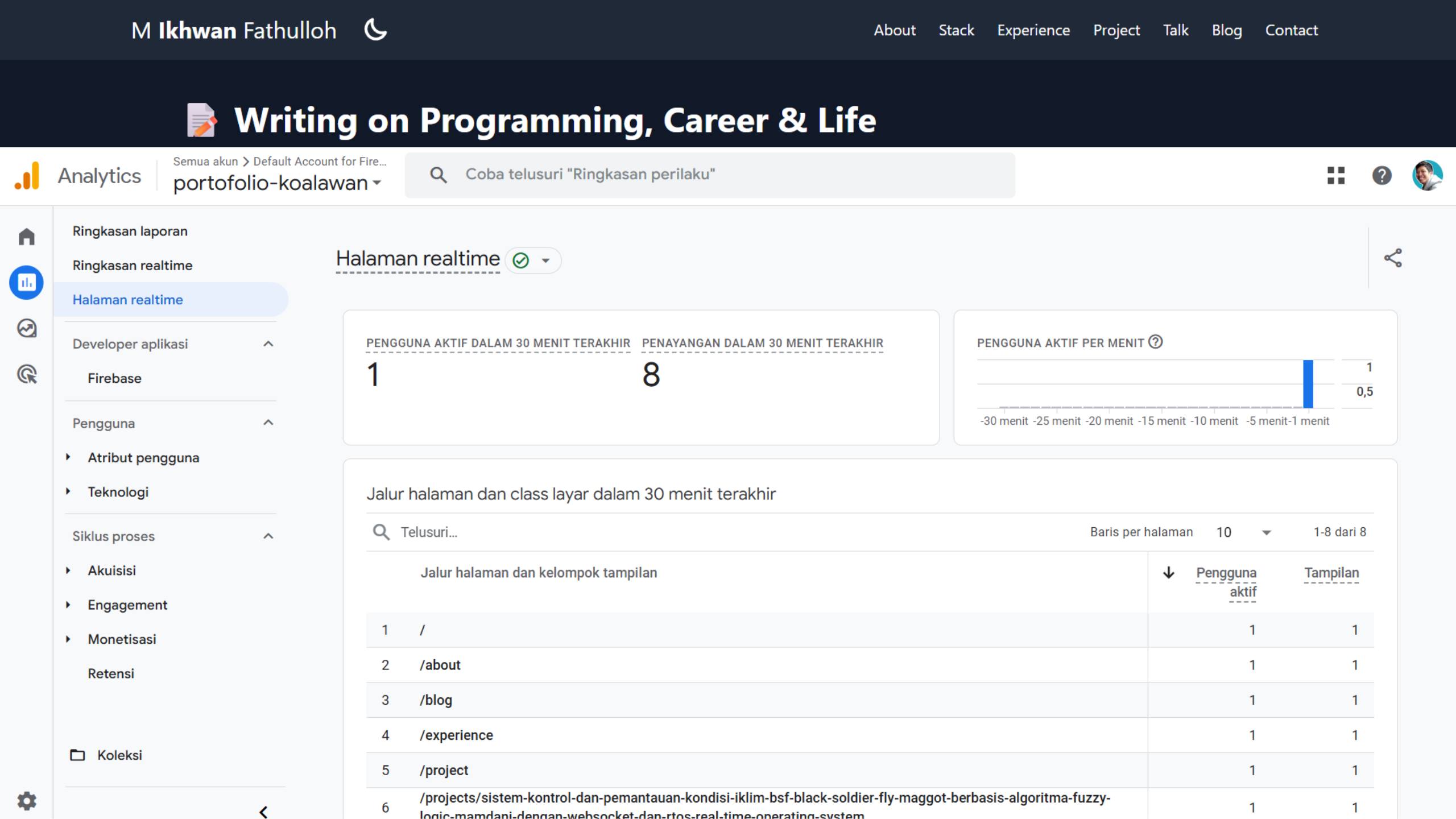
- Always verify tracking data in your GA4 dashboard.
Conclusion
The nuxt-gtag module makes it easy to integrate GA4 into Nuxt 3 apps without manually injecting scripts. It’s a powerful way to understand user behavior and improve app performance.
If you need help with advanced tracking like funnels, e-commerce, or custom dimensions, feel free to reach out or comment.